Check the image before you send it.
ShareGuard finds private details in screenshots and photos and covers them permanently. It all happens on your phone, with no account and no cloud upload.
No accountNo cloud uploadWorks offline
Why ShareGuard
A quick check before any screenshot you send.
A screenshot can hold more than you meant to show. ShareGuard finds and covers what is private, without taking your image off the phone.
Analysed on the device
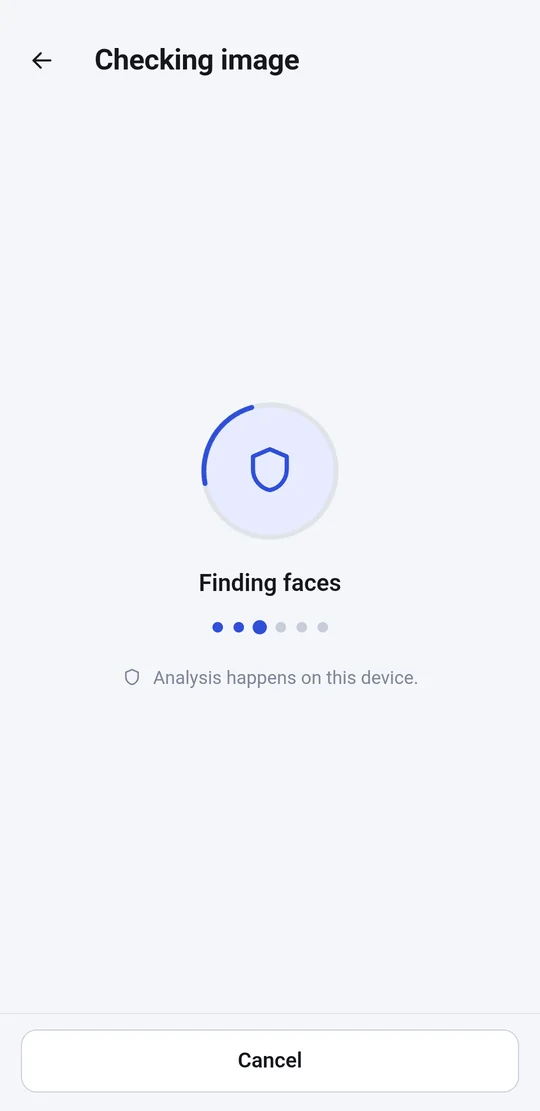
The recognition models ship inside the app. The image goes nowhere.
No account
No server of our own, no sign-in and no sync.
Permanent cover
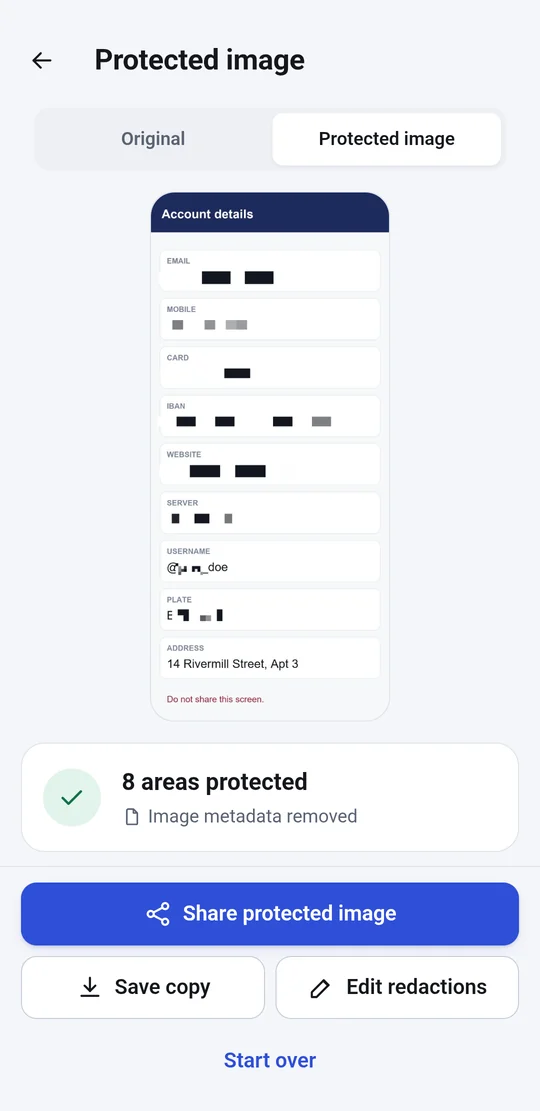
The copy is redrawn from pixels. There is no layer left to remove.
Metadata removed
Location, camera and date are gone from the exported file.
How it works
Three steps, a few seconds.
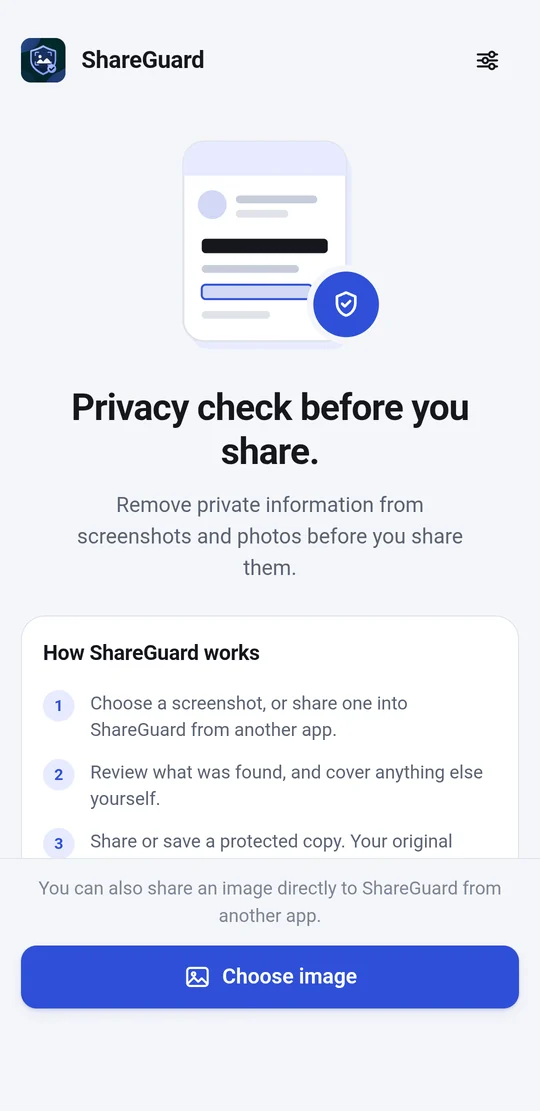
Choose the image, review what the app found and share the protected copy. The original is left untouched.
Choose or share
Pick an image from the gallery, or share one into ShareGuard from any app through the Share menu.
Review what was found
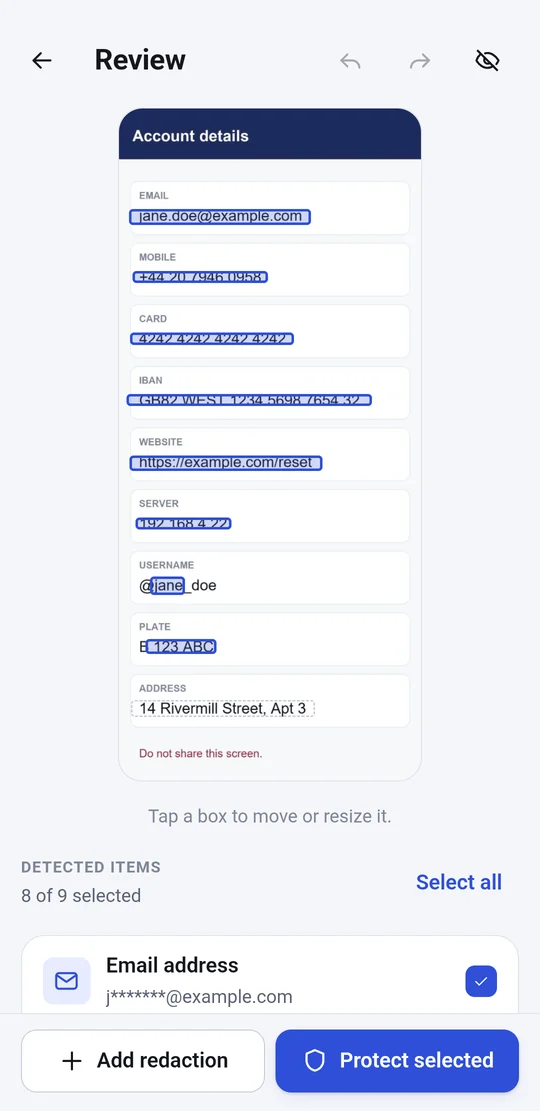
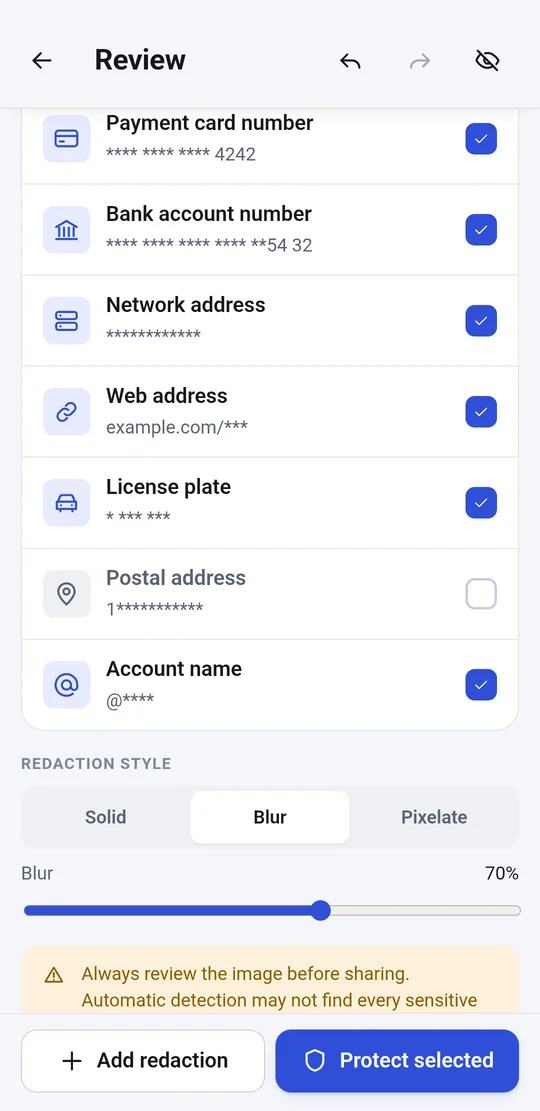
Each finding appears as a box on the image and in a list with masked values. Keep or drop it, move or resize the boxes, or draw new areas.
Share the protected copy
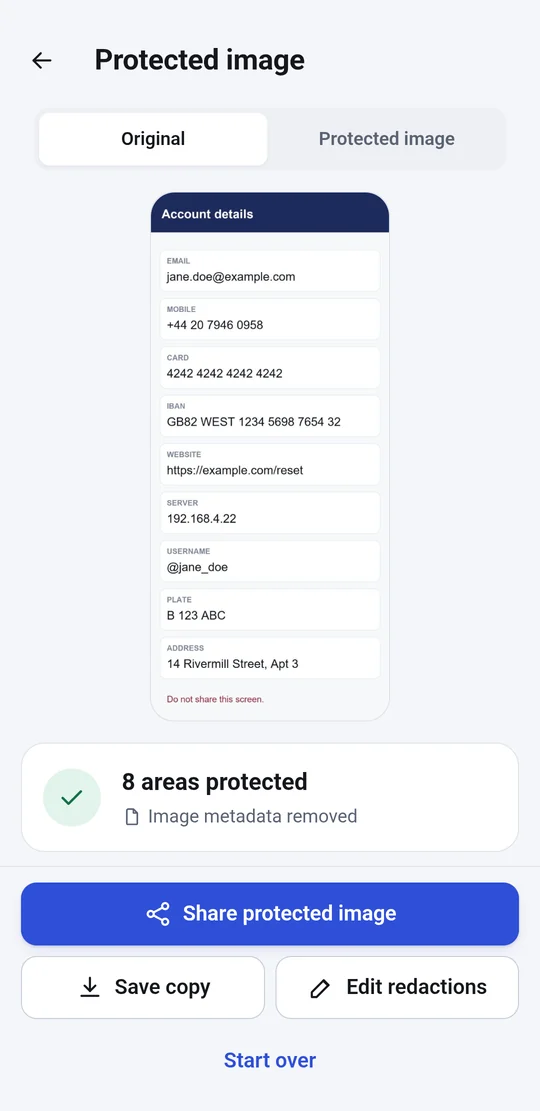
The app creates a new image, rendered from pixels. Save it to your gallery or send it on.
You are in control
You decide what is covered.
Automatic detection saves time, it does not replace you. Every box can be adjusted with a finger.
Move and resize
Tap a box, drag it to move it, or drag a corner to resize it.
Add new areas
Draw an area anywhere on the image for anything detection missed.
Pick the style
Solid cover, blur or pixelate, with adjustable strength.
What it detects
Ten kinds of private detail.
Text, face and code recognition run on models bundled with the app, and the matching rules are deterministic.
Email addresses
Found in text, including when split across several OCR elements.
Phone numbers
International formats, read against the phone's region when the country code is missing.
Payment cards
Checked with the Luhn check digit, so plain order numbers are not flagged.
IBANs
Verified with the MOD-97 algorithm.
IP addresses
IPv4 and IPv6 in network screenshots, logs and settings.
Web addresses
Links that can reveal accounts, sessions or internal locations.
Account names
Account labels and profile identifiers.
Postal addresses
A heuristic, reported at low confidence and left unselected by default.
Faces
Located in photographs, with a model bundled in the app.
QR codes and barcodes
Located and covered so they can no longer be scanned.
Permanent cover
There is no layer to move aside.
The exported image is redrawn from pixels. What was covered cannot be recovered from the copy.
- Solid coverThe pixels of the area are overwritten with a single colour.
- Irreversible blurThe area is reduced to a handful of pixels before it is blurred, so the detail is gone.
- No metadataOrientation is baked into the pixels and the EXIF tags are not carried over.
- Original untouchedThe source photo is not modified in any way.
App screenshots
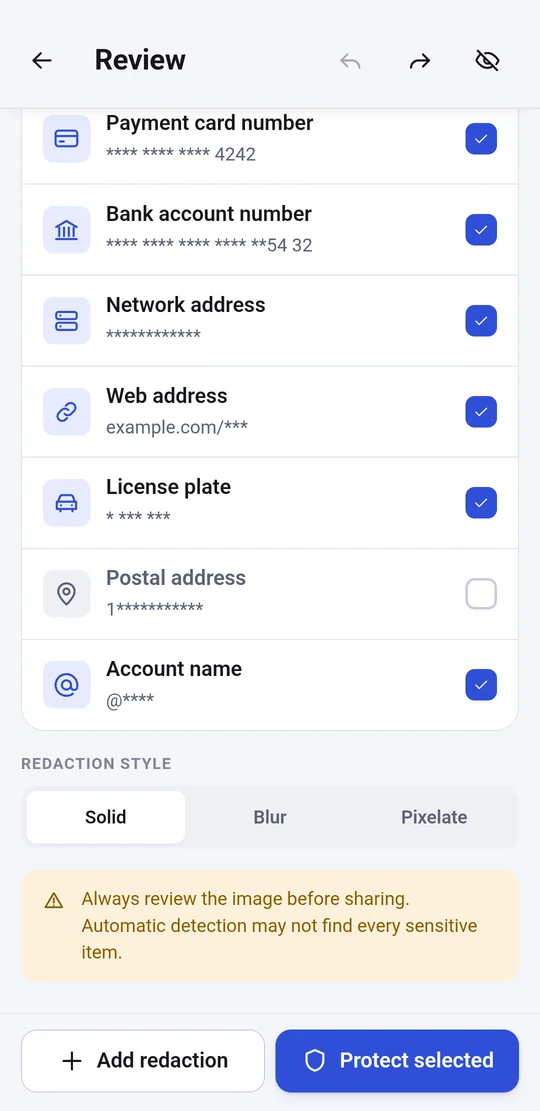
This is ShareGuard.
Real screenshots from an Android phone.
Privacy
Built so your image stays yours.
These are properties of the app, not intentions. The full policy is published separately.
- Analysis is localOCR, face detection and code scanning use models bundled with the app. No scan makes a network call.
- Nothing is retainedRecognised text and results live in memory and in the app cache for one session, then they are cleared.
- No sensitive logsLogs hold counts and sizes, never text, detected values or file names.
- Minimal permissionsThe app does not ask for gallery access. It receives the images you hand it, one at a time.
- Ads, but never over your imageA banner on the start screen and a full-screen ad after you finish an image, never while you work. The ads come from Google AdMob, which never sees the image.
- Your choice on adsIn the EU, EEA, Switzerland and the UK you are asked before personalised ads are shown, and you can change the choice at any time in Settings.
Limits, stated plainly
- Detection is an aid. It does not find everything, so look at every image before you share it.
- Text recognition reads Latin script. Emails, phone numbers, cards, IBANs and web addresses are found in any screenshot, but names and addresses written in other scripts are not read.
- Faces are found in photographs, not in drawings or illustrated avatars.
- For now the app exists for Android only.
Languages
48 languages, following your phone.
The interface, including right-to-left scripts, is available in the languages below.
Pricing
Free. No subscription.
The whole image-protection workflow is free. Ads can be removed for good with a single purchase.
Free
forever
- Every detection type
- Manual area editing
- Save and share
- Ads on the start screen
No ads
one-time purchase
- Everything in Free
- No ads
- Restored on reinstall
- No subscription
US price shown. Google Play displays the local price in other countries, with taxes included. The purchase is made through Google Play, under its terms.
FAQ
What you might be asking.
Is my image uploaded anywhere?
No. Analysis and covering happen on the phone. The app has no server, account or cloud service. The only network activity is the ads.
How much does it cost?
The app is free and supported by ads. If you like, a one-time in-app purchase removes the ads for good, with no subscription.
Does it find absolutely everything?
No. Automatic detection saves time, it does not replace you. You see everything that was found before export and can draw extra areas by hand.
Does it work offline?
Yes. Choosing, reviewing and protecting an image work with no connection. Only the ads need the network.
Which Android version do I need?
Android 7.0 (API 24) or later.
Is there an iPhone version?
Not yet. For now the app is available for Android only.
Can what was covered be recovered?
No. The exported copy is rendered from pixels, with no original layer underneath.
Check your next screenshot before you send it.
ShareGuard is free, needs no account and works on your phone.